PCB Assembly Process
See how your PCB assembly order moves from design files and component supply to placement, soldering, inspection and release. Use the process to prepare your enquiry and agree the work included in your build.
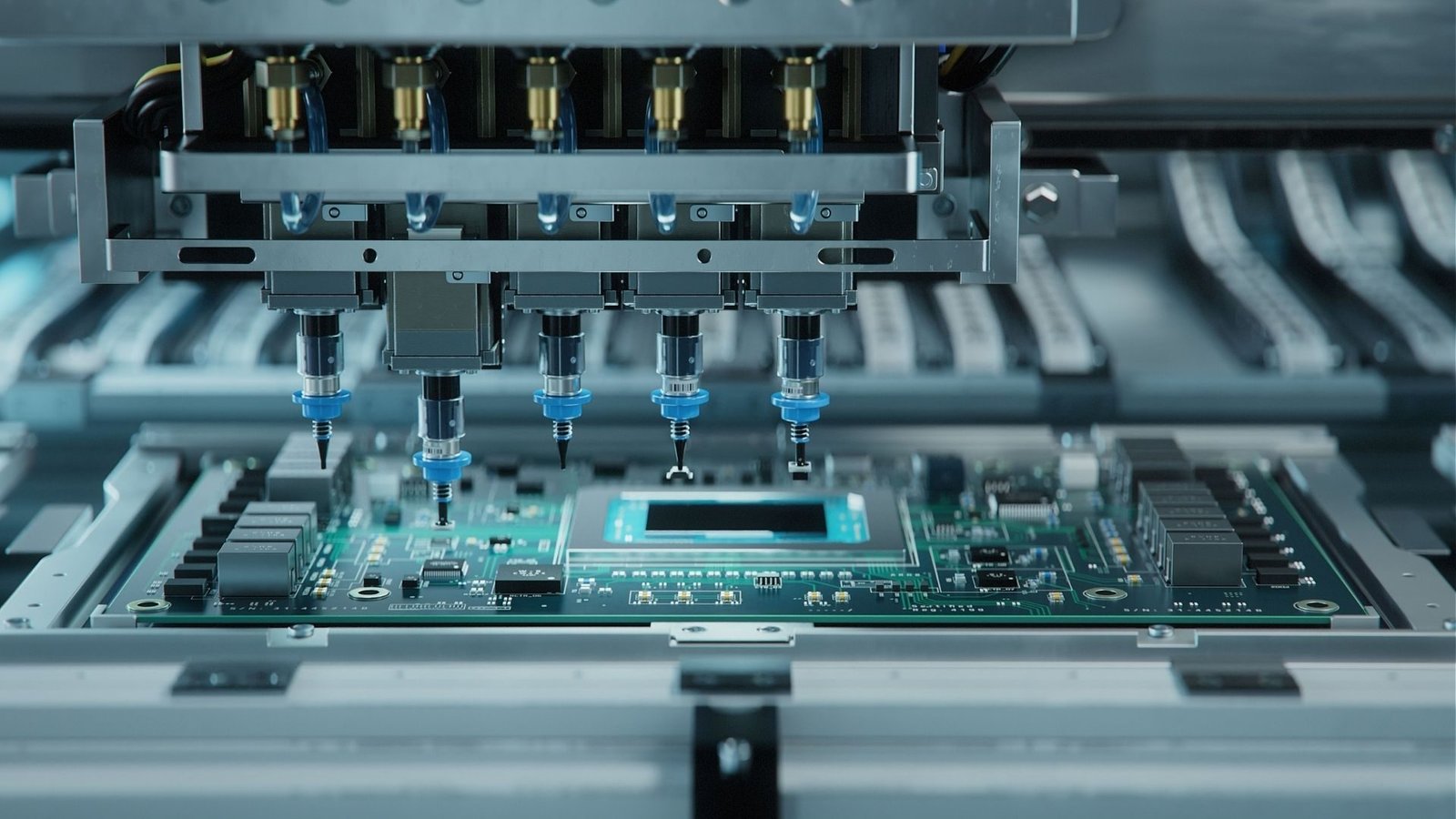
What happens after you send your assembly files
The PCB assembly process connects the files you release to the boards you receive. Each stage has a purpose: establish the right configuration, prepare boards and materials, form the connections and complete the checks required for delivery.
The route varies with your component mix, populated sides and additional operations. The ten steps below explain the common stages and the information you can provide to keep the order moving.
Connect your file package to purchasing, assembly and release.
Provide orientation, DNP, test and configuration details early.
Distinguish printing, visible-joint, hidden-joint and functional verification.
Agree marking, packaging and inspection or test records.
Choose the work your order needs
Single- or double-sided SMT
Printing, placement and reflow assemble surface-mount components. Double-sided boards need an agreed side sequence and suitable handling for their package mix.
Through-hole and mixed technology
Insertion and an appropriate soldering operation add leaded parts. The route considers underside access, component heat limits and any support requirements.
Additional product operations
Programming, electrical tests, coating and product integration follow the quoted scope. Give us firmware, procedures and drawings for each operation you request.
How the project moves forward
- 01
Release the files
Provide one matched revision of fabrication, BOM, placement and assembly data.
- 02
Prepare boards and parts
Resolve supply ownership, approved parts and handling before setup.
- 03
Assemble and inspect
Use the SMT and through-hole operations and inspection points suited to the board.
- 04
Verify and deliver
Complete the agreed configuration, tests and release records.
Release the build files
Start with one consistent design package. The fabrication files define the bare PCB, the BOM identifies the parts and the placement file and drawing show how they are assembled. Resolve DNP positions and orientation before purchasing or setup.
What you can provide: Send Gerber, BOM, CPL and assembly drawing with the same revision, plus any approved exceptions.
Prepare boards and components
Boards and parts are matched to the released order before assembly. The supply arrangement determines which materials are sourced for you and which items you need to deliver as a kit.
What you can provide: Identify supply ownership, exact MPNs, material arrival and special packaging or handling.
Print the solder paste
The stencil deposits solder paste on the specified SMT pads. Artwork, mounting and printing conditions are reviewed together so the print stage suits the board and components.
What you can provide: Provide released paste and panel files, populated sides and any existing stencil requirements.
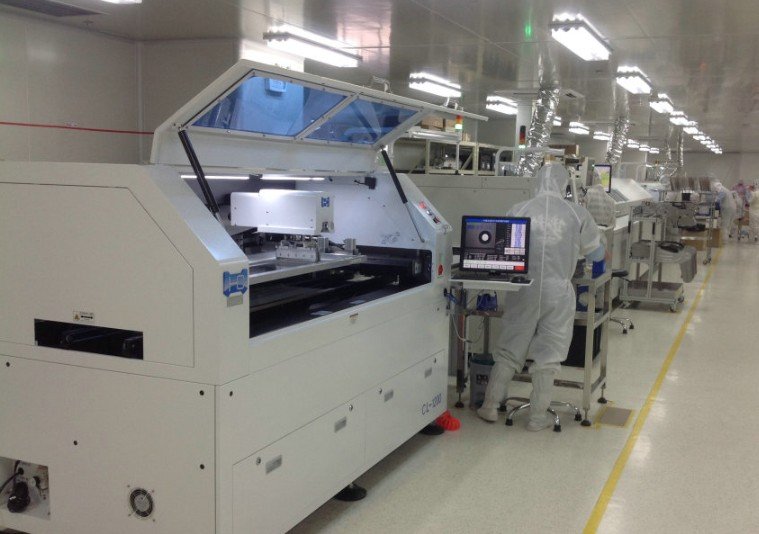
Place the SMT components
Placement uses the approved component and coordinate data. Side, origin, rotation, polarity and fitted reference designators determine the configuration built on the board.
What you can provide: Keep the placement file aligned with the BOM and identify pin-one, polarity and unusual parts.

Form the joints by reflow
The populated board follows the agreed thermal process to form the SMT connections. Package mix, board construction and populated sides affect the sequence and handling.
What you can provide: Include component thermal or moisture requirements and any restrictions on repeated exposure.
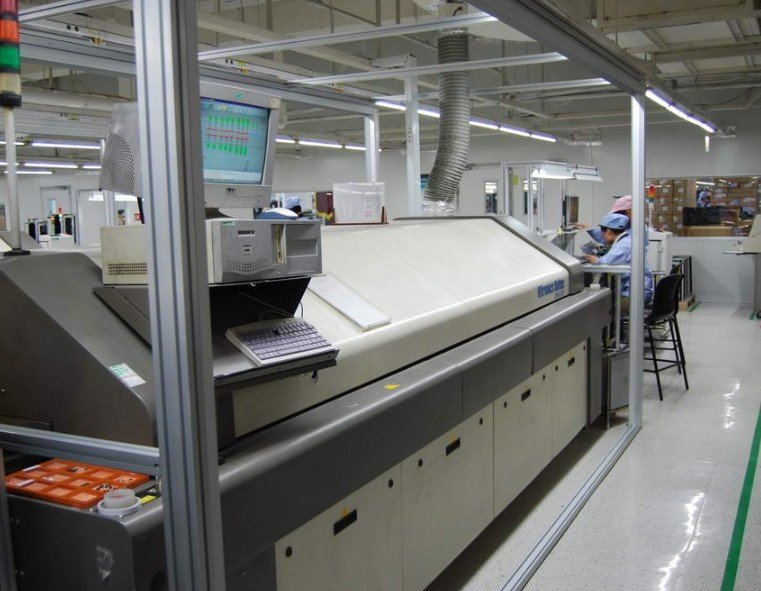
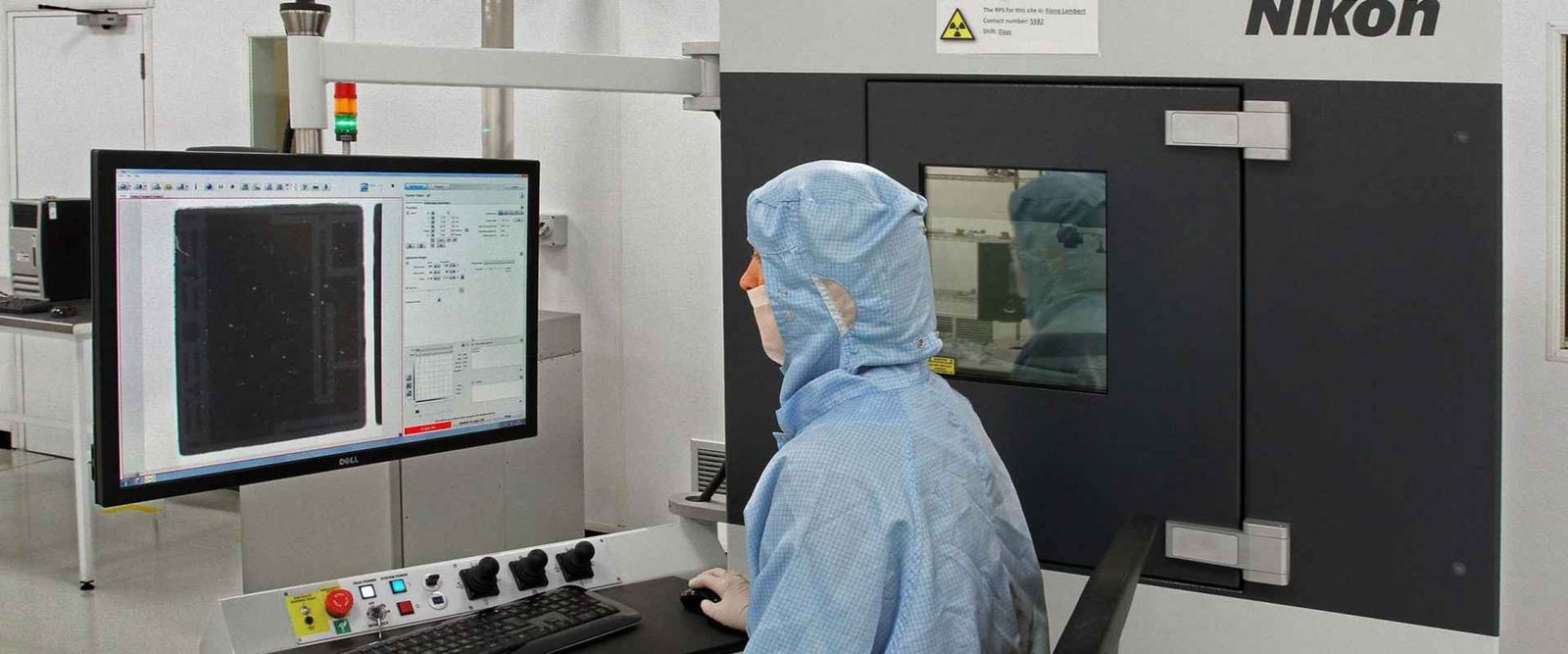
Inspect placement and solder connections
Optical and visual inspection evaluate accessible features, while X-ray can examine concealed connections. The devices on your board and acceptance needs define the inspection plan.
What you can provide: Name critical packages and the coverage, acceptance criteria or inspection records you need.
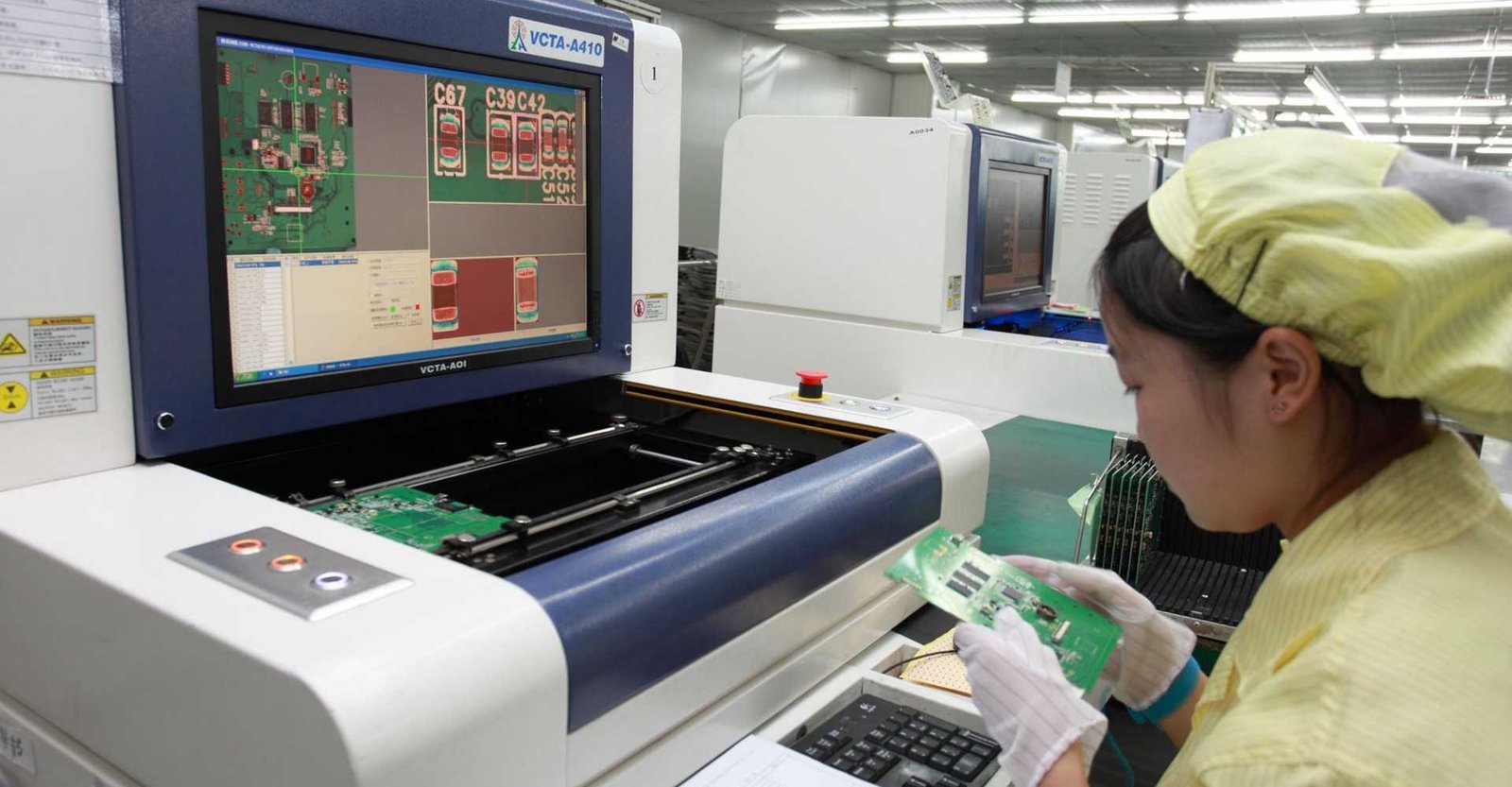
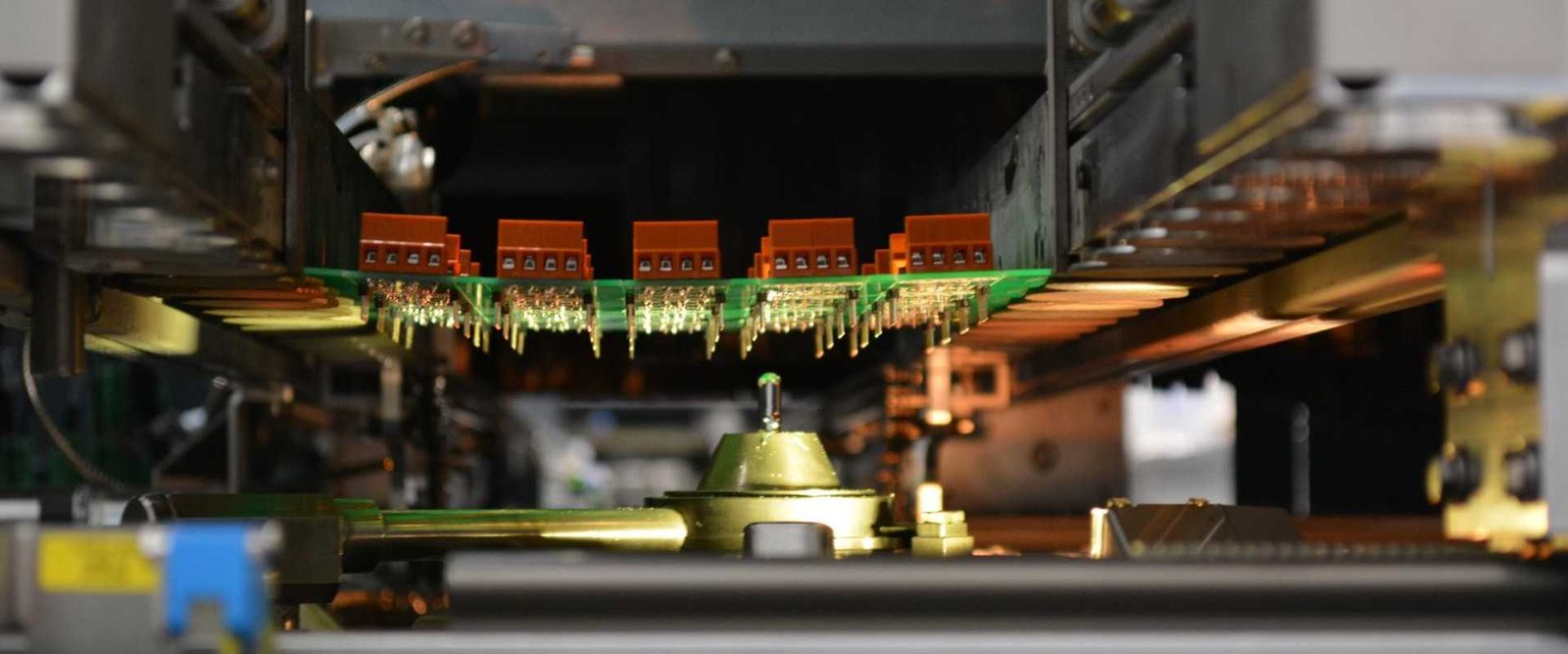
Assemble through-hole components
Leaded components are inserted and soldered by a route suited to their geometry and the surrounding assembly. Local soldering, whole-board operations and manual work have different access needs.
What you can provide: Provide exact component data, seating and lead-trim instructions, underside views and thermal restrictions.
Complete cleaning or protective work
Cleaning, conformal coating and other protective operations are included when the quoted scope requires them. Their sequence needs to preserve contacts, programming access and test locations.
What you can provide: Supply cleaning requirements or a coating map with materials, keep-outs and acceptance instructions.
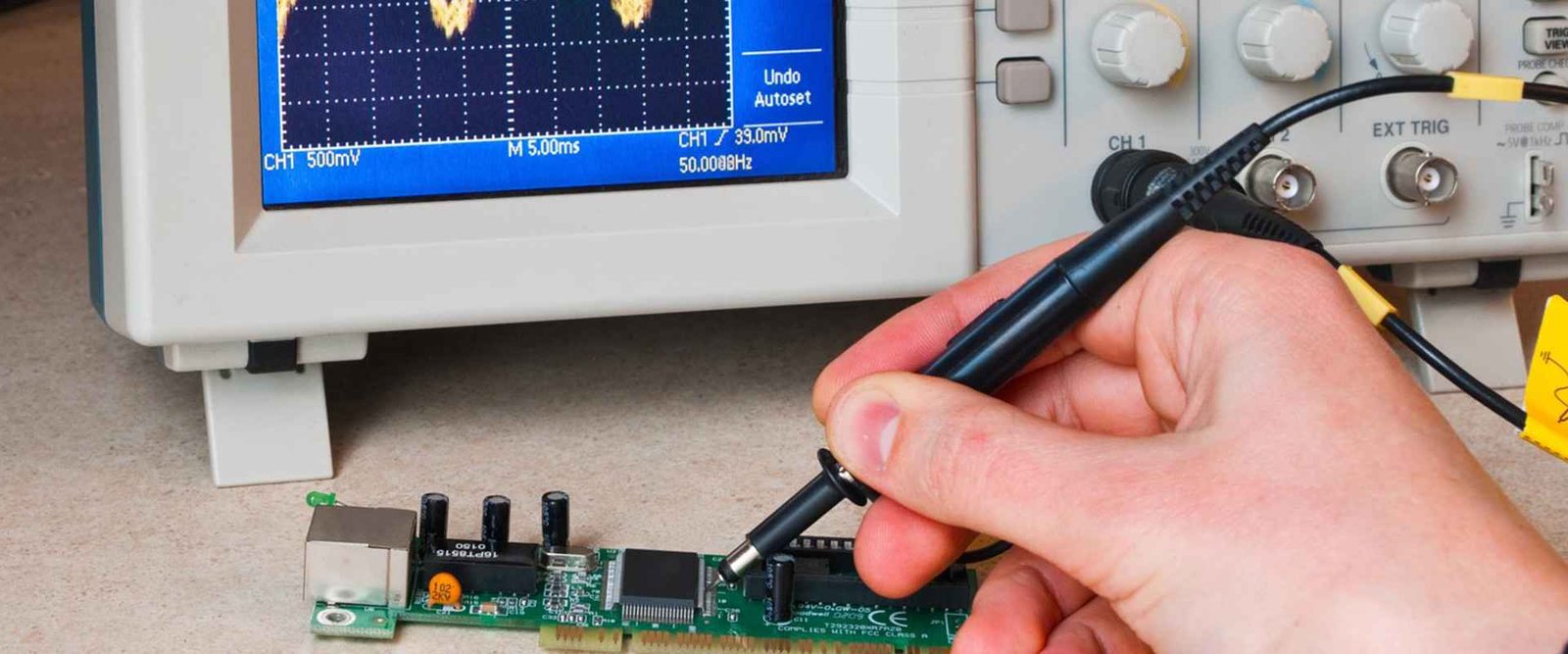
Program and test the agreed configuration
Programming loads the released firmware. Electrical or functional tests use a defined procedure to check the requested board behaviour; fixtures and limits are planned before the operation starts.
What you can provide: Provide firmware, interfaces, power sequence, test procedure, fixture ownership and pass/fail limits.
Release, identify and pack the order
The delivered quantity and configuration are checked against the order. Labels, protection and release records make the assemblies identifiable for your next manufacturing or integration step.
What you can provide: Specify variant marking, serial rules where needed, packaging and the documents to accompany delivery.
What to send for a useful quotation
| File or requirement | Details to include |
|---|---|
| PCB fabrication files | Gerber and drill data, board construction and any panel requirements. |
| Component BOM | Exact manufacturer and MPN, quantity, fitted references and approved alternatives. |
| Placement file | CPL / pick-and-place data identifying X/Y, side, rotation and reference designator. |
| Assembly drawing | Polarity, DNP positions, mechanical details and special component instructions. |
| Assembly instructions | Document DNP locations, orientation, special handling and any critical features. |
| Release requirements | Provide firmware, test procedures, fixture ownership, marking and packaging details. |
Include the quantity, current revision and required delivery date. If a decision is still open, identify it in your message so the review can address it.
Know what will be checked and returned
| Review area | What it covers | What to specify |
|---|---|---|
| Printing and visible assembly | SPI, AOI and visual checks address different stages and accessible features. | Request relevant inspection points in the scope. |
| Hidden joints | X-ray evaluates concealed connections where optical access is limited. | Specify devices, coverage and acceptance criteria. |
| Electrical and functional behaviour | ICT and FCT need the appropriate access, fixtures and defined limits. | Provide the procedure and required results. |
State any unit or batch identification, packaging and inspection or test records you need with delivery. The quotation confirms the operations and evidence included.
What shapes your quotation
A useful quotation describes the complete deliverable and its supply responsibilities. Include these items in the review so you can compare like-for-like scope.
- Board and component supply, assembly sides and package mix.
- Stencil, placement setup, supports and through-hole operations.
- Programming, test fixtures, coating, reports and delivery packaging.
The delivery plan follows file readiness, approved materials and the requested operations. Share your target date and any items already available to help review the schedule.
Frequently asked questions
Does every board follow all ten steps?
No. The actual route follows the design and order scope. Through-hole soldering, cleaning, coating, programming and functional tests are included when the project requires them.
What should I send before assembly starts?
An approved BOM, fabrication and placement files, assembly drawing and DNP or polarity notes. Add the firmware and test plan for requested verification work.
Does inspection prove that the product functions?
Visible and hidden-joint inspection evaluate construction. Product operation needs electrical or functional checks with defined conditions and pass/fail limits.
How do I change a build after releasing the files?
Send an approved revision change and identify affected parts, firmware and instructions. Confirm its effect on purchased materials, setup and delivery before it is used.
Related services for your build
Discuss your PCB Assembly Process requirements
Send the files, quantity and deliverable you need. Add your supply responsibilities, target date and any test or documentation requirements so the review covers the complete order.