IC Programming
Add device programming to your assembly order with a released firmware image, defined interface and verification instructions. Discuss pre-placement programming, in-circuit programming or unit configuration for your product.
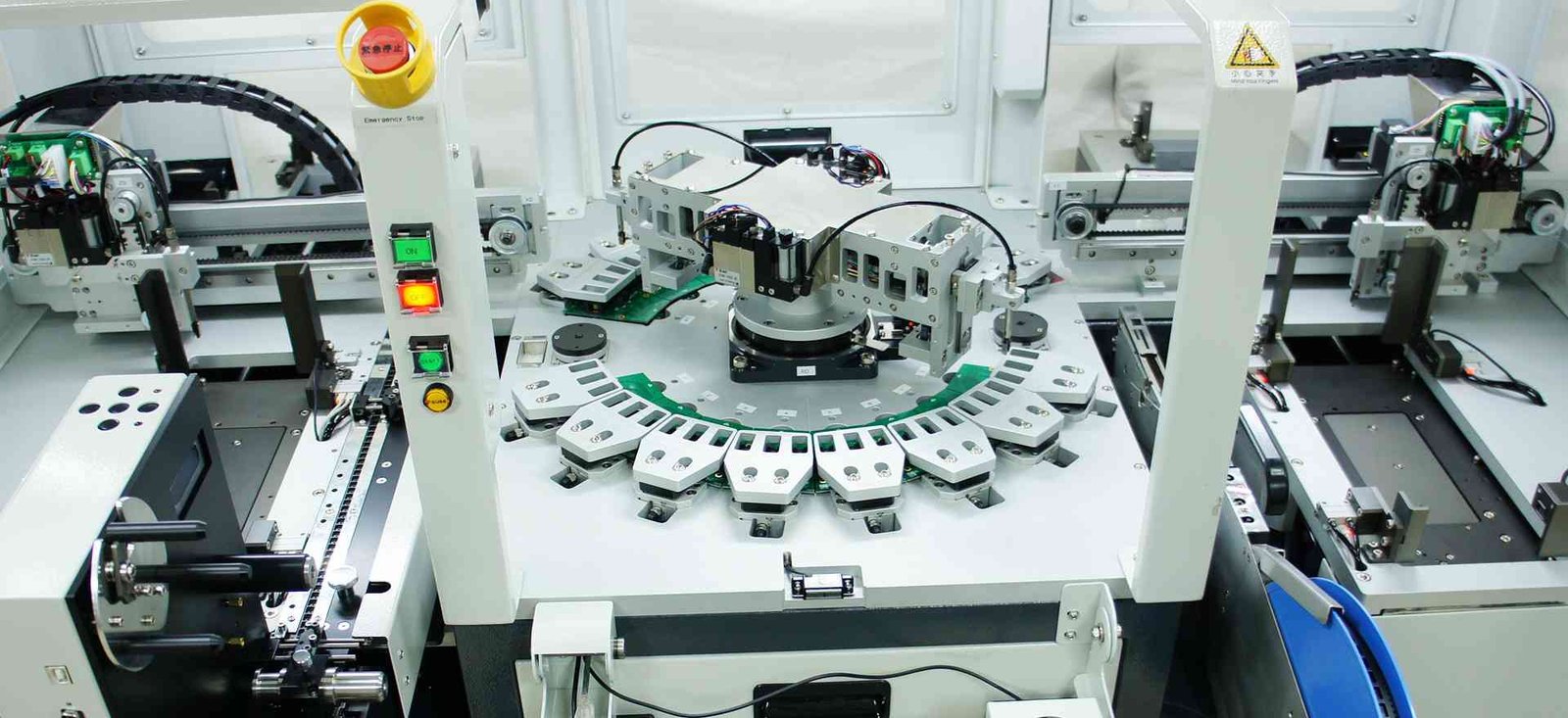
Receive assemblies with the firmware configuration you specify
IC programming writes your approved software or configuration into a device. It may take place before placement or after the board is assembled, depending on access, component packaging and the information assigned to each unit.
GlobalWellPCB reviews programming as an explicit assembly operation. Provide the device, image and programming procedure so the delivered hardware can be matched to the intended firmware revision.
Identify the approved image for each board revision.
Provide connectors, test points and fixture requirements early.
Define version labels and any device-specific records.
State readback, checksums or other required programming checks.
Choose the work your order needs
Programming before placement
Discuss device-level programming where the package and image suit that stage. Define the file format, memory regions and checks before the components enter assembly.
In-circuit programming
Use the specified board interface after assembly. Supply connector or test-point access, power sequence and tool requirements.
Serialization and configuration
Request unit-specific identity or configuration data with controlled input and records. Define the data source, assignment rules and how the programmed result is verified.
How the project moves forward
- 01
Provide the programming package
Send device MPN, released image, interface and operation sequence.
- 02
Review tools and access
Resolve fixtures, power, pin connections and programming-stage requirements.
- 03
Approve the programming setup
Confirm the image identity, configuration settings and verification method.
- 04
Program and record the result
Link the agreed programming evidence to the board or batch configuration.
What to send for a useful quotation
| File or requirement | Details to include |
|---|---|
| Device identity | Exact programmable device MPN and target hardware revision. |
| Order configuration | Quantity and firmware version for each board variant. |
| Physical access | Board or device drawings showing programming connections. |
| Production record needs | Specify unit or batch identification and the evidence returned. |
| Released firmware package | Include binary or supported format, revision, device MPN, memory map and configuration settings. |
| Programming and verification procedure | Provide interface pinout, tool or fixture needs, power sequence, identity rules and pass criteria. |
Include the quantity, current revision and required delivery date. If a decision is still open, identify it in your message so the review can address it.
Know what will be checked and returned
| Review area | What it covers | What to specify |
|---|---|---|
| Image identity | Use the specified image and configuration for the hardware revision. | Define file identification and version-control records. |
| Programming verification | Check the write by the method required for the device and project. | Provide checksum, readback or tool-result expectations. |
| Product behaviour | Functional testing evaluates operation after programming. | Request it separately with the relevant procedure and limits. |
State any unit or batch identification, packaging and inspection or test records you need with delivery. The quotation confirms the operations and evidence included.
What shapes your quotation
A useful quotation describes the complete deliverable and its supply responsibilities. Include these items in the review so you can compare like-for-like scope.
- Device types, number of programmed positions and board access.
- Programming tools, adapters, fixtures and setup.
- Unit-specific data, verification, records and any functional tests.
The delivery plan follows file readiness, approved materials and the requested operations. Share your target date and any items already available to help review the schedule.
Frequently asked questions
Do you develop the firmware for this service?
This scope uses the firmware and instructions you release. State any software development requirement separately for review.
Can programming take place after assembly?
Provide the in-circuit interface, access and power sequence. The suitable stage is reviewed with the device and board construction.
Can every unit receive a unique identity?
Request serialization with a defined data source, assignment rules and traceability format. Tool support and secure-data handling are agreed for the project.
Does programming verification mean the board is functionally tested?
No. It verifies the programming operation. Product functions require their own procedure, fixtures and acceptance limits.
Related services for your build
Discuss your IC Programming requirements
Send the files, quantity and deliverable you need. Add your supply responsibilities, target date and any test or documentation requirements so the review covers the complete order.